Financial Modeling - Part 1
Explore the fundamentals of creating a personal financial timeline in EasyFinancialPlanner. Learn how to model assets, incomes, expenses, and savings plans.

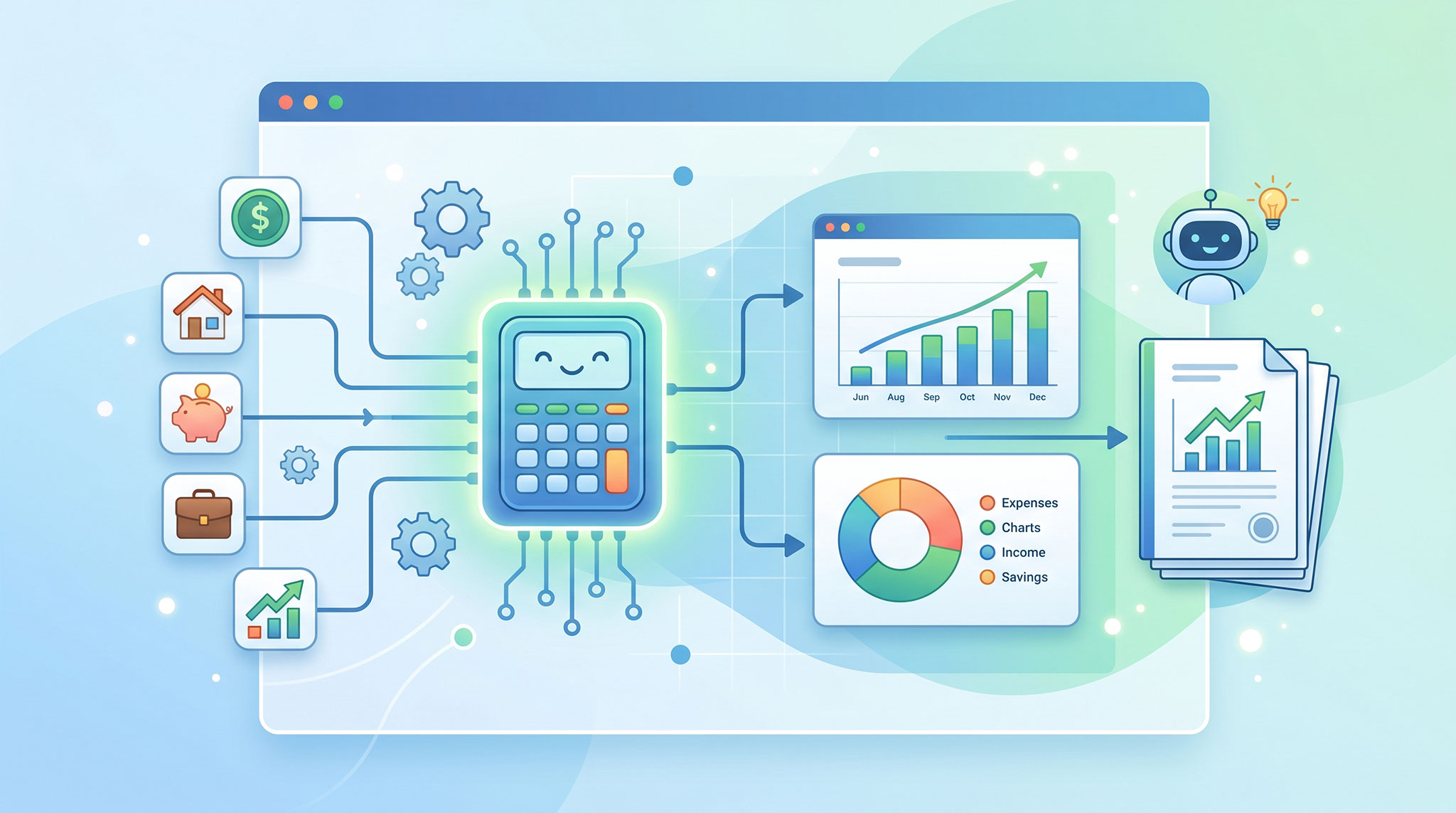
To predict the future, we first need to model the present. The challenge is doing so accurately without drowning the user in complexity. Honestly, finding that sweet spot is one of the toughest parts of designing a tool like EasyFinancialPlanner.
On one side, we could track every cent, log every single transaction, and demand hyper-specific details. But that feels like a chore, takes too much effort, and doesn’t actually guarantee better long-term projections.
On the other side, if we oversimplify and don’t model enough information, the simulation breaks, leading to wrong outcomes and misleading conclusions.
Financial modeling is a tricky balancing act.
EasyFinancialPlanner takes a balanced, modular approach. Everything in your financial universe is represented by just five core concepts: Assets, Incomes, Expenses, Events, and Rules.
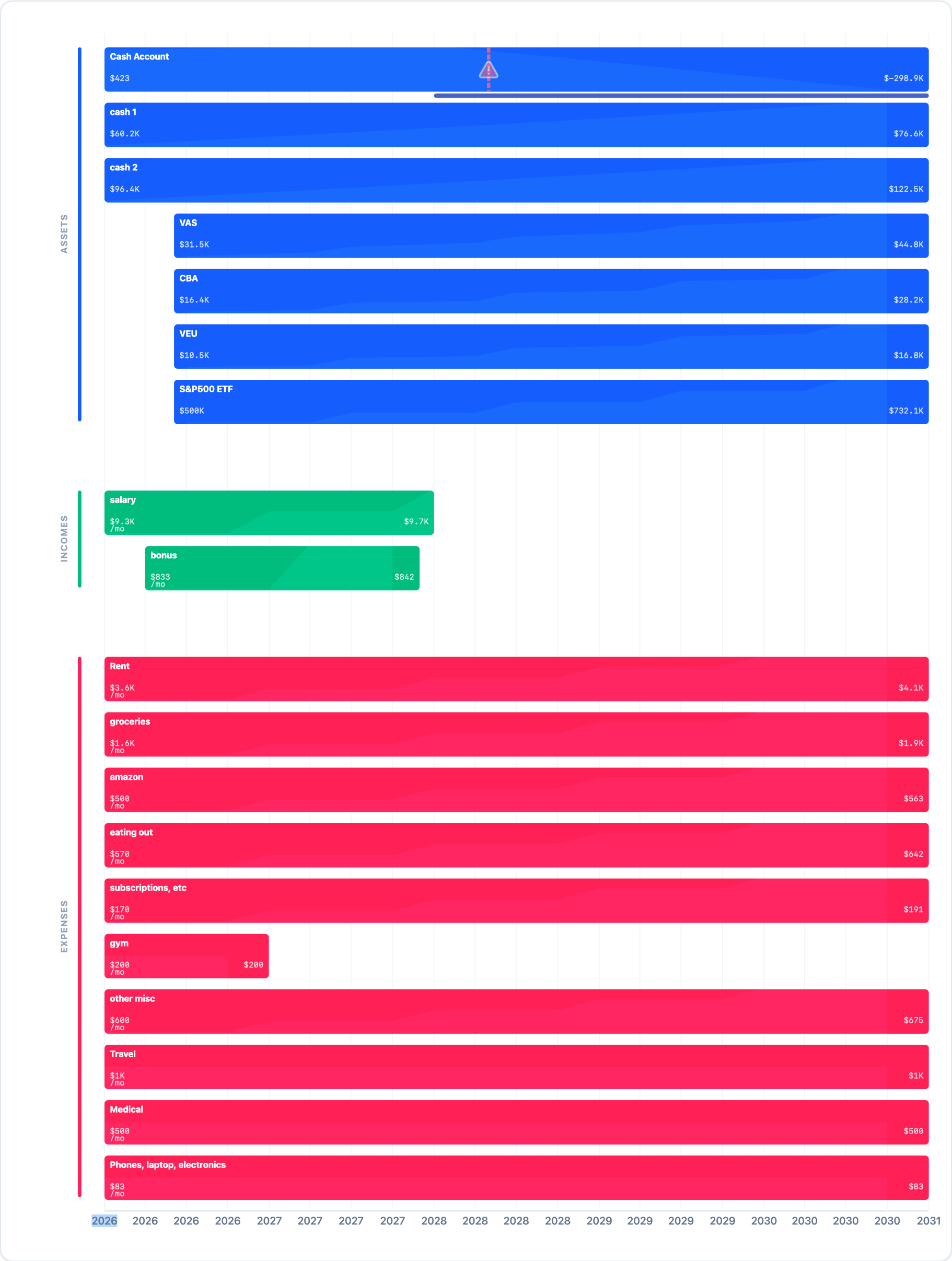
The timeline with assets, incomes and expenses
By combining these five building blocks, you can model incredibly nuanced, real-world scenarios.
A Quick Note on Scope: To keep the initial version simple, we purposefully don’t include complex tax calculations, inflation, or real-time price tracking. Some of these will likely come later, but for now, simplicity is our superpower.
Assets 🟦
An asset is anything you own that holds value. Think bank accounts, stock portfolios, real estate, vehicles, or cryptocurrency.
In the app, assets are represented by a blue line on your timeline, spanning from their start date (usually when you acquired it or started tracking it) to their end date.
We categorize assets into two types:
Liquid Assets: (e.g., cash, stocks) Holdings that can be easily bought or sold.
Illiquid / Locked Assets: (e.g., a primary residence, a car) Assets that hold value but aren’t easily spent.
Why this matters for FIRE: While this distinction is informative, only liquid assets are used to calculate your FIRE target. You can’t easily sell off 4% of your car every year to pay for groceries during your retirement phase, so we keep locked assets out of your core runway calculations.
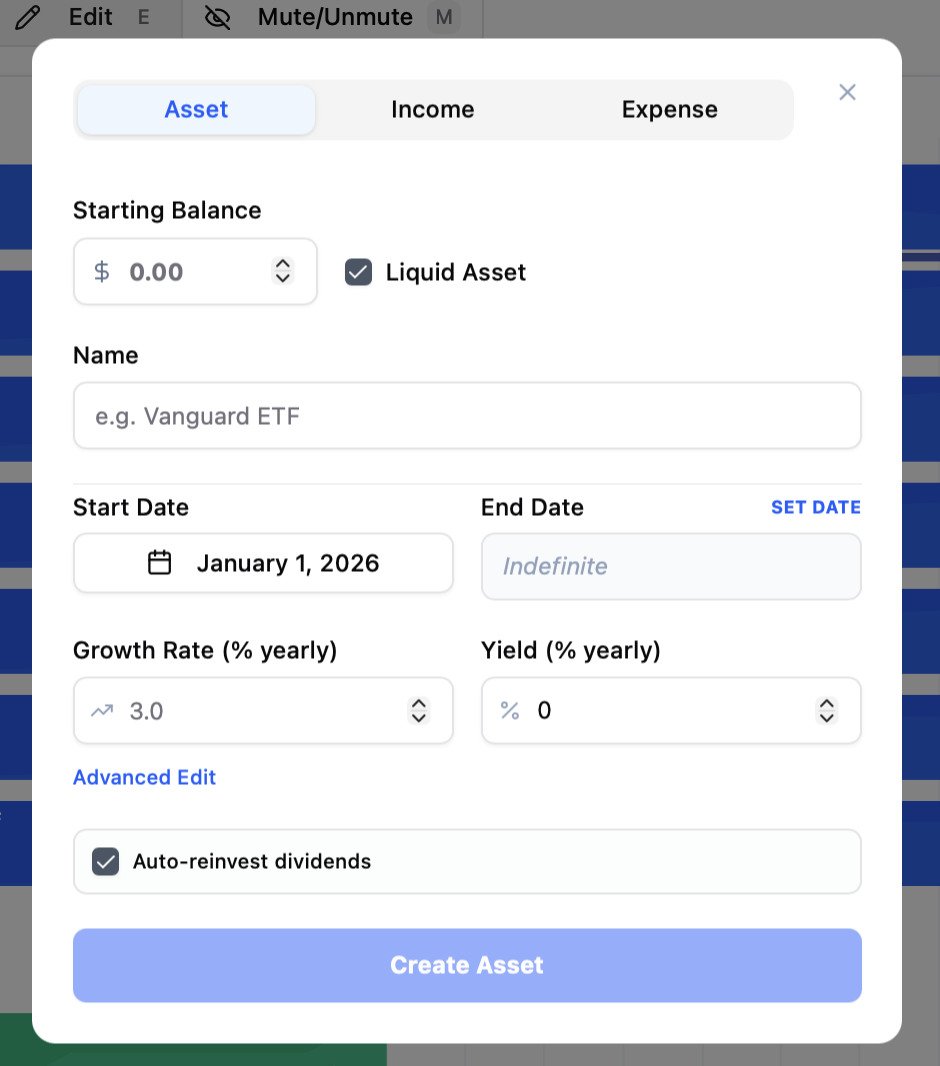
Adding a new asset
Growth & Yield Assets can have a Growth Rate (the percentage by which the underlying asset naturally appreciates in value) and a Yield (cash generated by the asset, like stock dividends or rental income).
Auto-Reinvest Dividends: Ticking this box automatically plows your yield right back into the asset. This is perfect for modeling compounding ETFs or high-growth savings accounts.
The Cash Account: If you leave this unticked, that yield drops directly into your Cash Account. This is a default asset generated for every scenario—think of it as the central clearinghouse where all incomes land and all expenses are paid from.
Incomes 🟩
Incomes represent any fresh capital entering your financial system. The most obvious examples are your salary, freelance side-hustles, or a yearly bonus.
All incomes automatically flow straight into your Cash Account. From there, you can use Rules to automatically route that surplus cash into other compounding assets (like buying more stocks).
Expenses 🟥
Expenses are the opposite of incomes, and arguably, they are the most critical variable in the entire equation. Why? Because your ongoing expenses are what ultimately dictate your final FIRE target.
Whenever an expense triggers, the funds are deducted directly from your Cash Account.
What’s Next? Both Incomes and Expenses are designed to be recurring. If you need to model a one-off financial shock—like buying a wedding ring or receiving an inheritance—you’ll use an Event.
In my next post, I’ll dive deep into how Events and Rules work, and how they turn static spreadsheets into dynamic financial engines. Stay tuned!